
Installation
The fastest install on Linux and macOS, downloads the latest prebuilt
binary from GitHub Releases and drops it into ~/.local/bin.
curl -fsSL https://gitoui.nayji7.dev/install.sh | shThe installer:
- Picks the correct binary for your
(os, arch)from the latest GitHub Release. - Verifies the tarball checksum.
- Installs to
$HOME/.local/bin/gitouiby default. - Checks that the install directory is on your
PATH; if it isn’t, prints theexport PATH=...line to add to your shell rc file (it doesn’t edit the file itself).
Tweaks
Section titled “Tweaks”| Variable / flag | Effect |
|---|---|
INSTALL_DIR=... |
Override the install directory. |
GITOUI_VERSION=vX.Y |
Pin to a specific tag instead of latest. |
NO_COLOR=1 |
Disable ANSI colors in the installer output. |
--ascii (or GITOUI_ASCII=1) |
Force ASCII banner when piping the output. |
On macOS (Apple Silicon and Intel) and Linux, install the prebuilt binary from the gitoui tap:
brew install nayji7/tap/gitouiHomebrew owns the binary, so updates go through Homebrew too (see Updating).
If you have a Rust toolchain, cargo install pulls the latest release
straight from crates.io:
cargo install gitouiTo track the bleeding edge instead, install from git HEAD:
cargo install --git https://github.com/NayJi7/gitouigit clone https://github.com/NayJi7/gitouicd gitouicargo build --releaseinstall -m 0755 target/release/gitoui ~/.local/bin/The release binary is ~16 MB. A debug build is ~250 MB and slower at startup, only use it for development.
Verify
Section titled “Verify”-
Check the binary is on your PATH:
Terminal window gitoui --version -
cdinto any git repo:Terminal window cd ~/my/repo -
Launch:
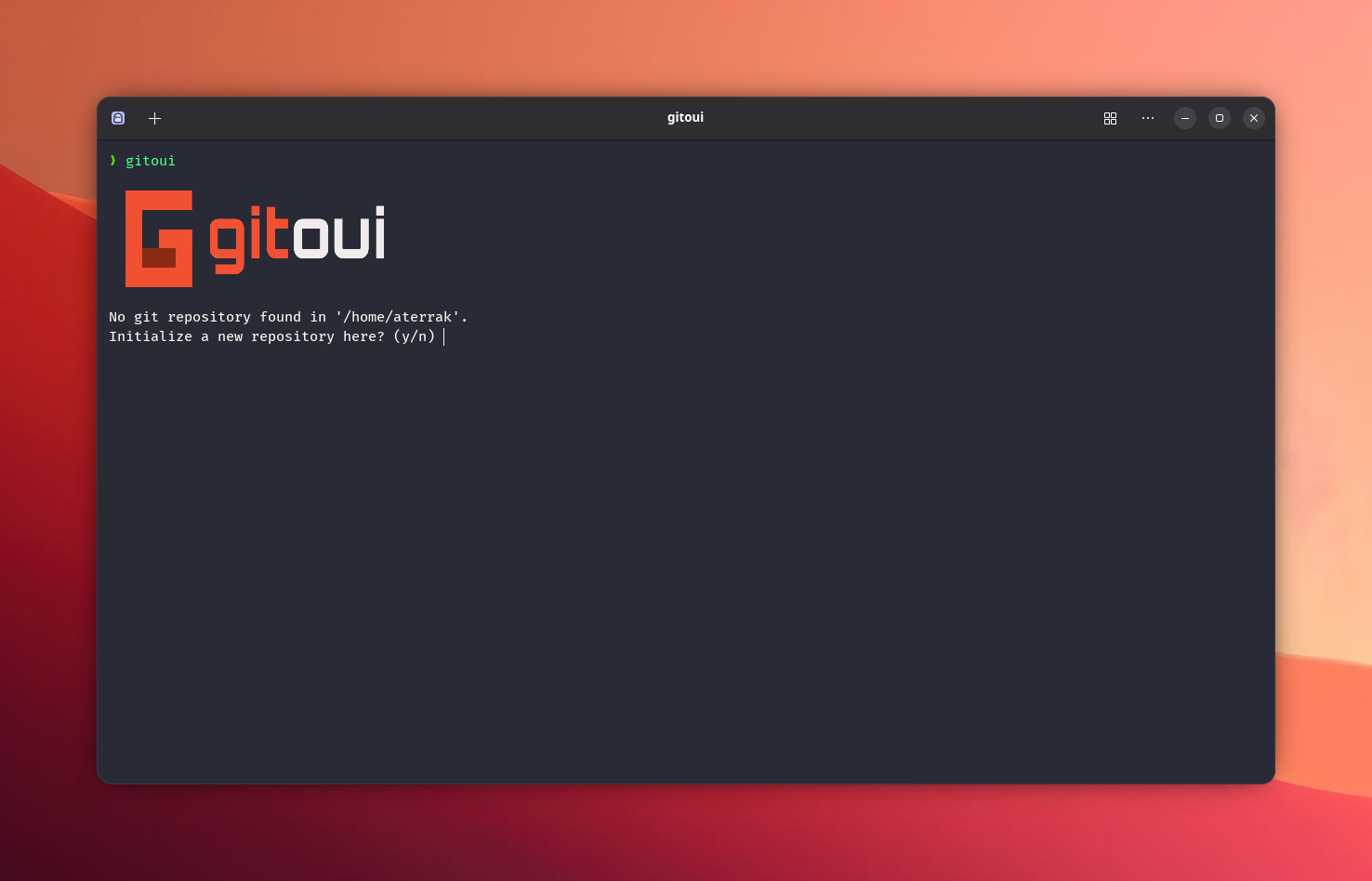
Terminal window gitouiIf your terminal supports a graph image protocol (Ghostty / Kitty / iTerm2 / Sixel) you should see the commit graph painted inline. Otherwise it falls back to Unicode glyphs.
Recommended font
Section titled “Recommended font”For the best experience, use a Nerd Font - a monospace font patched with extra glyphs for developer icons. Without one, GitHub icons in PR/Issues headers render as blank boxes.
Good choices:
- JetBrains Mono Nerd Font - excellent box-drawing rendering, ligatures, very readable
- FiraCode Nerd Font - ligatures, good Unicode coverage
- Hack Nerd Font - clean and sober, good at small sizes
- CascadiaCode Nerd Font - Microsoft’s monospace, good emoji support
- MesloLGS Nerd Font - classic, recommended by Powerlevel10k
Any Nerd Font variant works. Install one, set it as your terminal’s font, and all UI glyphs (graph nodes, spinners, GitHub icons) will render correctly.
Updating
Section titled “Updating”gitoui checks crates.io for a newer release once a day at startup. When one is available, you’ll see a prompt:
y, runs the update right away (cargo install --forceif you installed via cargo, otherwise re-runsinstall.sh) and re-launches the new binary.n, skips this time. The prompt comes back tomorrow.N, disables the automatic check entirely. Writes[core.option] check_updates = falseto your config file so future launches stay silent. To revert, just remove that line from~/.config/gitoui/config.tomland the check kicks back in on the next launch.
Installed with Homebrew? gitoui never prompts at startup, and gitoui --update
only tells you a new version exists. Update with Homebrew instead:
brew upgrade gitouiThe script and cargo install are both idempotent, you can also trigger an
update manually at any time:
gitoui --update # prompt now, regardless of cache / opt-outcurl -fsSL https://gitoui.nayji7.dev/install.sh | shcargo install gitoui --force --lockedgitoui --no-update-check skips the daily check for a single launch without
touching your config.
Uninstalling
Section titled “Uninstalling”Remove the binary, then the directories gitoui writes to:
rm ~/.local/bin/gitoui # binary (curl install)rm -rf ~/.config/gitoui # config, custom themes, recent repos (+ GitHub token on Linux)rm -rf ~/.cache/gitoui # commit cache, update-check state (+ avatars on Linux)On macOS, two more locations:
rm -rf ~/Library/Application\ Support/gitoui # GitHub tokenrm -rf ~/Library/Caches/gitoui # avatarsInstalled with Homebrew? Remove the binary with brew uninstall gitoui instead
of the first rm. Installed with cargo? Use cargo uninstall gitoui. Then
delete the directories the same way.