
Issues
Shift+I opens the Issues list. Same requirement as PRs, GitHub
remote + authenticated session.
Issue list
Section titled “Issue list”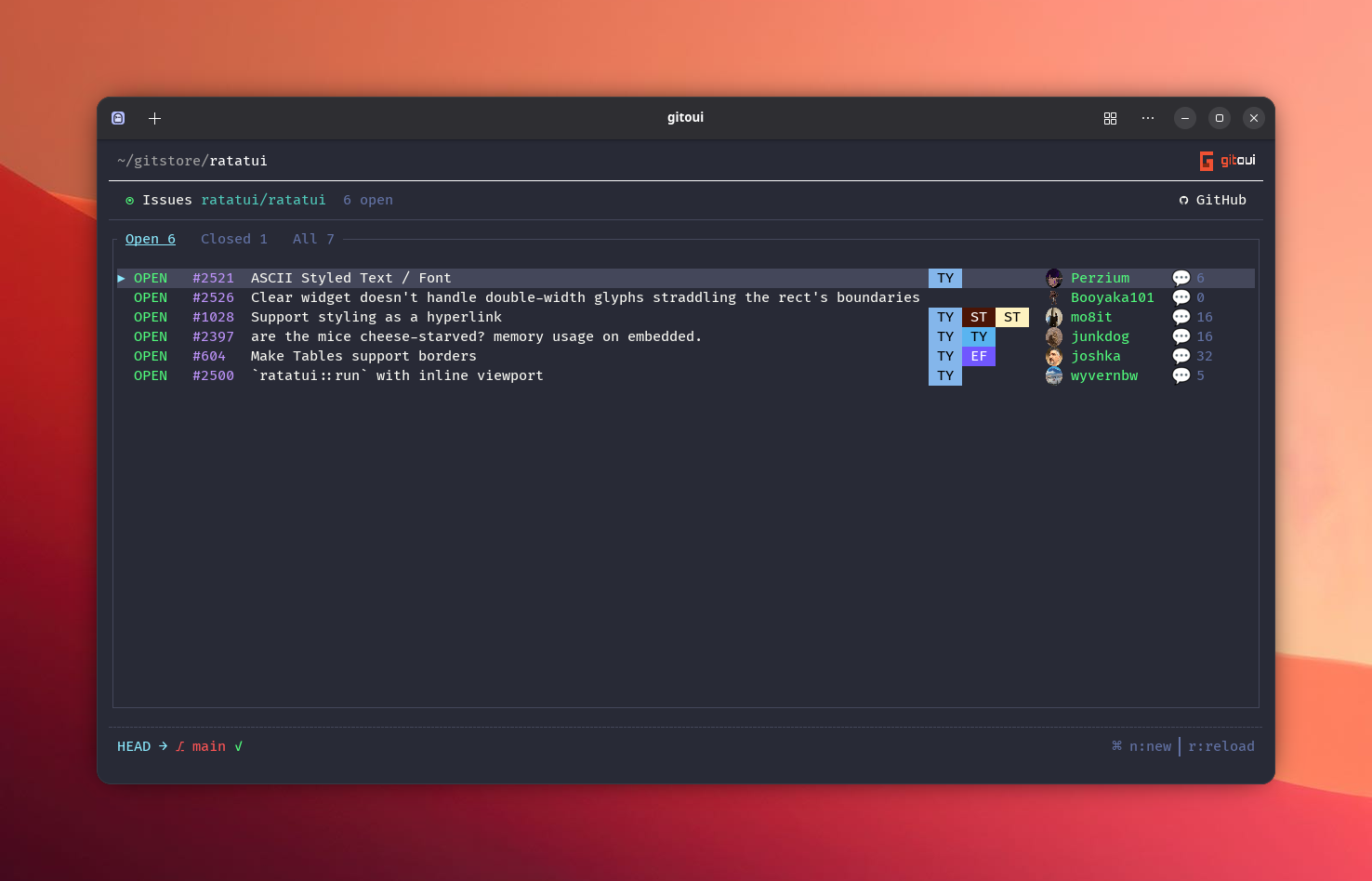
| Press | Action |
|---|---|
↑↓ / j / k |
Navigate. |
g / Shift+G |
Top / bottom. |
← / → |
Cycle filter, Open / Closed / All. |
Enter |
Open issue detail. |
n |
Compose a new issue (new_issue in scope.issues.list). |
r |
Reload. |
Esc |
Close Issues view. |
Issue detail
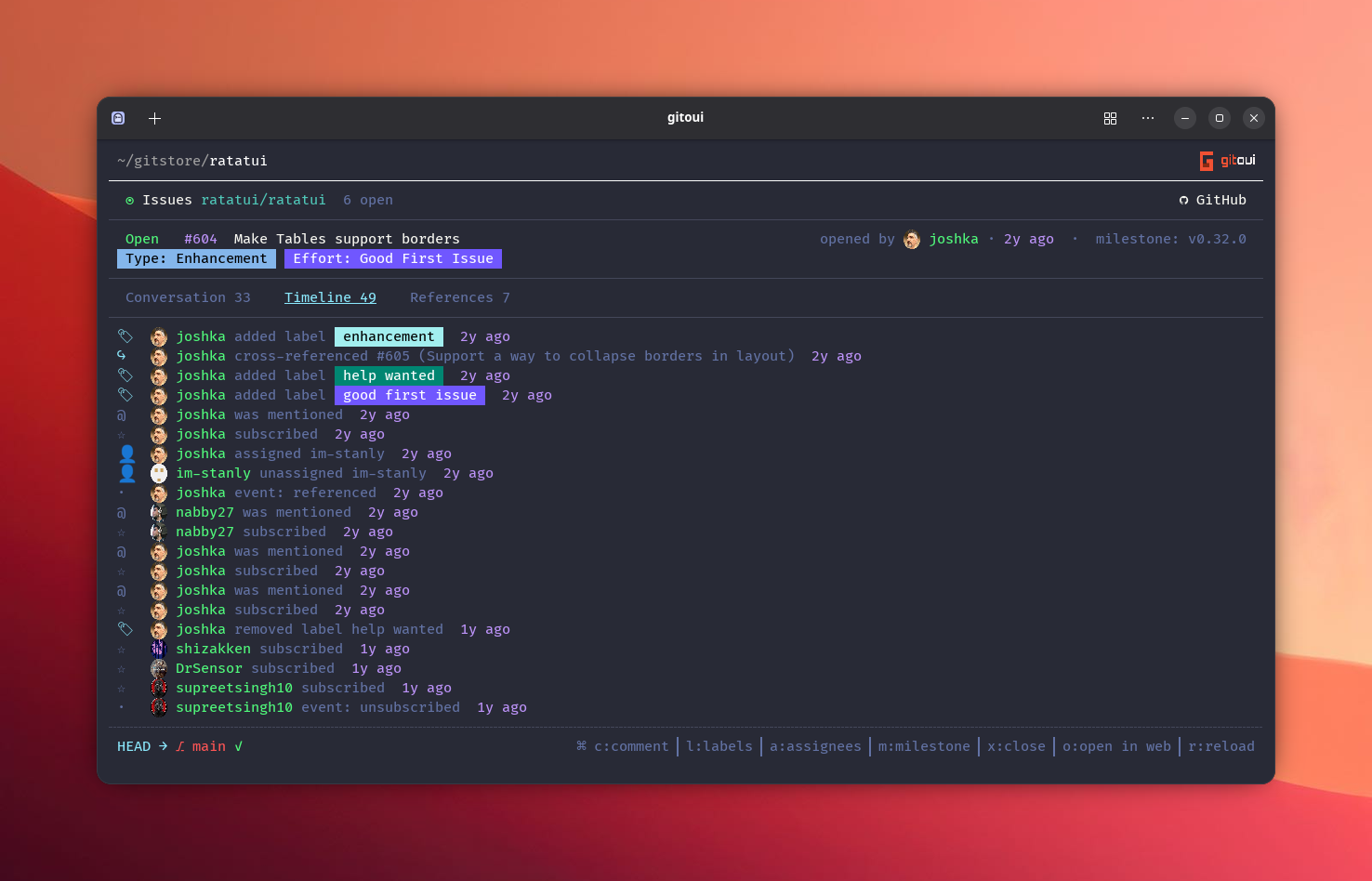
Section titled “Issue detail”Three tabs: Conversation, Timeline, References. Same layout principles as the PR view.
Issue-wide actions (any tab)
Section titled “Issue-wide actions (any tab)”| Press | Action |
|---|---|
l |
Labels picker. |
a |
Assignees picker. |
m |
Milestone picker. |
x |
Close (open issue) / Reopen (closed issue), confirmation dialog. |
o |
Open in browser. |
r |
Reload. |
Conversation tab
Section titled “Conversation tab”Issue body card on top, then every comment in chronological order. The selected card carries an inline action ribbon:
| Press | Action |
|---|---|
c |
New comment. |
Shift+R |
Quote-reply to focused comment. |
Shift+N |
Open Compose pre-filled with a back-reference to this issue (reference_in_new_issue). |
e |
Edit own comment. |
d |
Delete own comment (confirmation dialog). |
+ |
React. |
↵ |
Follow first #N reference in the focused card. |
Timeline tab
Section titled “Timeline tab”Renders every GitHub timeline event, labeled, assigned, milestoned, referenced, mentioned, cross-referenced, closed-by-commit, etc., each with the actor avatar inline.
References tab
Section titled “References tab”Lists #N references appearing in the issue body / comments + reverse
references (other issues / PRs that mention this one).
Compose
Section titled “Compose”n opens the new-issue compose form with Title, Body, Labels,
Assignees, Milestone fields.
The body editor is the same as the PR compose:
- Mention popup on
#. - Word-jump editing (
Ctrl+H,Ctrl+W,Ctrl+Backspace,Ctrl+Delete,Ctrl+Left,Ctrl+Right). - Submit with
Ctrl+S(submitin scope.compose).
Shift+N from an issue detail bootstraps the form pre-filled with a
back-reference link to the source issue, handy for splitting a discussion
into a new ticket.